
80s AI Retro Portrait
Upload one photo and step into the 1980s: big hair, a bold outfit, a neon laser backdrop and soft film grain, as you smile, flip your hair and pose for the flash. An 8-second video with sound.
Make yours
Your photo
One person, with the face clearly visible; head-and-shoulders or half body works best. The video keeps your photo’s shape — use a vertical photo for TikTok, Reels or Shorts.
What Is the 80s AI Photo Trend?
The 80s AI photo trend turns a modern selfie into a vintage 1980s portrait: the kind of mall glamour shot or yearbook photo with voluminous hair, shoulder pads, pastel backdrops and laser beams. It keeps trending on TikTok and Instagram, and it's a fun way to see how you'd have looked back then.
This template goes one step further and brings the portrait to life. From a single photo you get the full 80s makeover, with warm faded film colours, soft focus and grain, and then you smile, flip your hair and strike a pose as the flash goes off.
You get an 8-second video with an upbeat synthwave track, in the shape of your photo, ready for TikTok, Reels, Shorts or a story. Your face stays recognisable; only the hair, outfit, backdrop and film look change.
Ideas to Try
- A selfie for a nostalgic "me in the 80s" post.
- Side-by-side with a real photo of your parents from the 80s.
- A couple or best-friend set: one retro portrait each.
- A birthday surprise for someone born in the 80s (with their permission).
- A throwback-themed promo for a party, bar or retro event.
Tips for the Best Result
- Use a clear photo with the face fully visible.
- Head-and-shoulders or half-body photos work best for a portrait look.
- Looking at the camera gives the most classic glamour-shot result.
- One person per photo.
- Generate a few takes: the hairstyle, outfit and backdrop change each time.
Make Your 80s Retro Portrait in 3 Steps
No prompts or editing skills needed.
Add one photo
A clear photo of one person, ideally head-and-shoulders or half body, with the face visible.
Pick the quality
Standard (480p) for a quick, low-cost take; HD (720p) for the one you want to keep or post. Full HD (1080p) for the sharpest result.
Generate and share
Get an 8-second video with sound in a few minutes, then download and post it.
Frequently Asked Questions
More templates
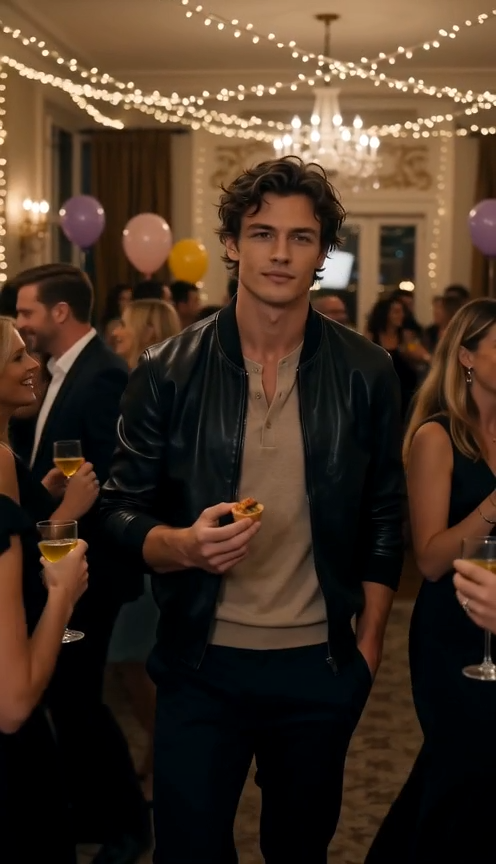
Dime Dime Baby
Turn one photo into the Dime Dime Baby party dance.
Make yours →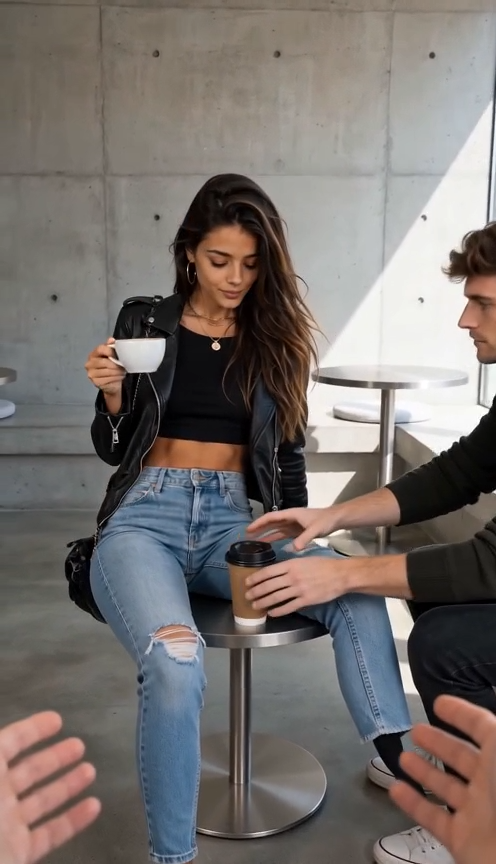
First Time in a Fancy Cafe
Sit on the table, thinking it's a stool — starring you or your pet.
Make yours →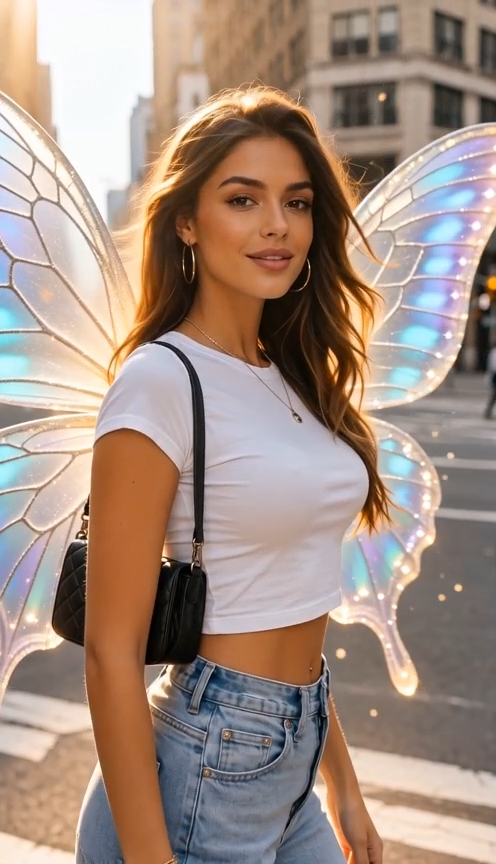
I Want Wings
A dreamy glow-up as butterfly wings unfold behind you.
Make yours →