
AI Action Figure Video Generator
Upload one photo and become a collectible action figure: glossy toy version of you, standing in a blister pack with accessories that match your style. An 8-second video with sound.
Make yours
Your photo
One person, with the face clearly visible; full or half body works best. The video keeps your photo’s shape — use a vertical photo for TikTok, Reels or Shorts.
What Is the AI Action Figure Trend?
The action figure trend turns people into collectible toys: a plastic version of themselves, sealed in a blister pack on a colourful card, with tiny accessories that say something about them. It took off on LinkedIn, TikTok and Instagram and keeps coming back, especially around gift season.
This template does it from a single photo and brings it to life. Your face stays recognisable while your body takes on a glossy painted-plastic look with little joints, the box appears around you, and the camera pushes in like a toy commercial as the figure blinks and strikes a pose.
You get an 8-second video with a playful jingle, in the shape of your photo, ready for TikTok, Reels, Shorts or a story. The packaging is generic, with no toy brands or logos.
Ideas to Try
- A selfie for a fun profile video or an "if I were a toy" post.
- A photo in your work outfit, so the accessories match your job.
- A sports or hobby photo: the figure comes with gear to match.
- A gift idea: turn a friend or family member into a figure (with their permission).
- A team photo, one figure per person, for a playful company post.
Tips for the Best Result
- Use a clear photo with the face fully visible.
- Full-body or half-body photos work best; the whole figure fits in the box.
- Distinctive clothes or props help the accessories match your style.
- One person per photo.
- Generate a few takes: the box colours and accessories change each time.
Make Your AI Action Figure in 3 Steps
No prompts or editing skills needed.
Add one photo
A clear photo of one person, ideally full or half body with the face visible.
Pick the quality
Standard (480p) for a quick, low-cost take; HD (720p) for the one you want to keep or post. Full HD (1080p) for the sharpest result.
Generate and share
Get an 8-second video with sound in a few minutes, then download and post it.
Frequently Asked Questions
More templates
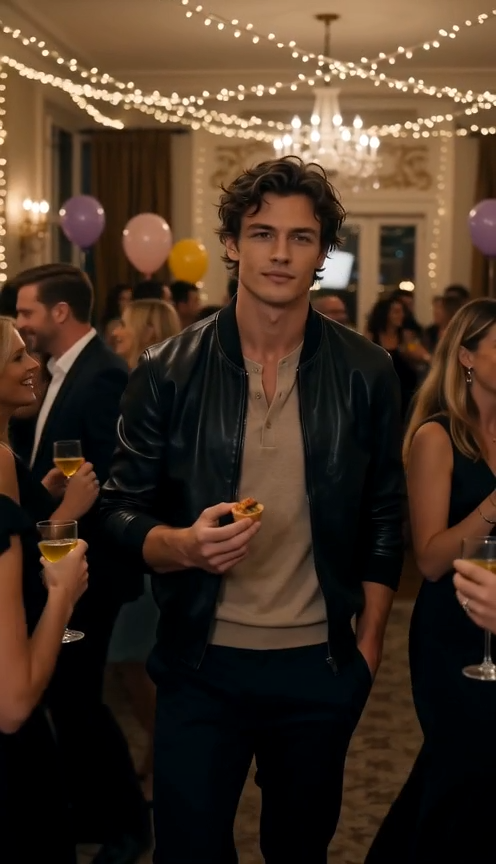
Dime Dime Baby
Turn one photo into the Dime Dime Baby party dance.
Make yours →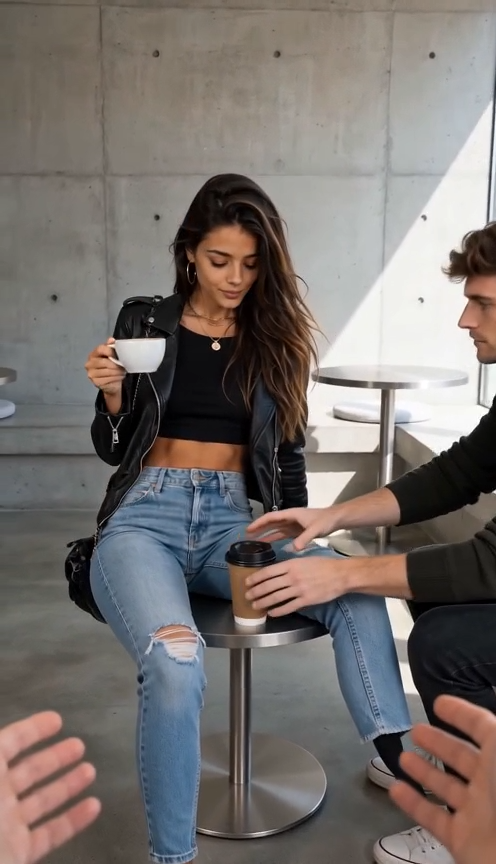
First Time in a Fancy Cafe
Sit on the table, thinking it's a stool — starring you or your pet.
Make yours →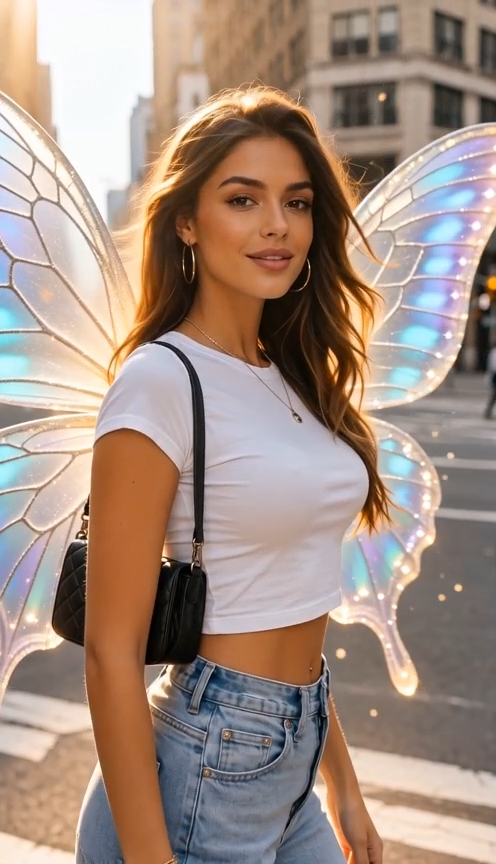
I Want Wings
A dreamy glow-up as butterfly wings unfold behind you.
Make yours →