
Dime Dime Baby AI Video Generator
Make your own version of the viral Dime Dime Baby trend from a single photo. Seedance 2.0 drops you into a lively party: you walk up to the camera, take a slow bite, stare into the lens, then dance on the beat — no video clip needed.
Make yours
Your photo
One person (or pet), clear and front-facing; a full-body shot works best.
What Is the Dime Dime Baby AI Trend?
Dime Dime Baby is a party-clip trend: in a lively, decorated banquet hall, the main person walks up to the camera, takes a slow bite, stares straight into the lens with a deadpan look, then breaks into a dance on the beat while guests party behind them.
This template recreates it from one photo. Seedance 2.0 keeps your face, hairstyle and outfit, builds the whole party scene — string lights, balloons, a dancing crowd — and generates the music, so you don't need the original video or any editing.
You get a 10 or 15-second vertical video (9:16) with sound, shot like a handheld phone video and ready for TikTok, Reels and Shorts.
Ideas to Try
- Your own version of the trend to post on TikTok or Reels.
- A friend's photo as a surprise for their birthday (with their permission).
- A wedding or party photo for a fun recap clip.
- Your pet as the star — the deadpan stare works especially well.
- A mascot or character for a playful brand post.
Tips for the Best Result
- Use a full-body or half-body photo so the walk and dance look natural.
- Make sure the face is clear and well lit.
- Simple, fitted outfits keep the look consistent through the dance.
- Avoid group photos — one clear person works best.
- Generate a couple of takes; the timing of the stare and the dance varies each time.
Make a Dime Dime Baby AI Video in 3 Steps
No video clip, prompts or editing skills needed.
Add one photo
A clear photo of you, a friend, a pet or a character. Front-facing, well-lit shots work best.
Pick the quality
Standard (480p) for a quick, low-cost take; HD (720p) for the one you want to post. Full HD (1080p) for the sharpest result.
Generate and share
Get a 10 or 15-second vertical video in a few minutes, then download it and post.
Frequently Asked Questions
More templates
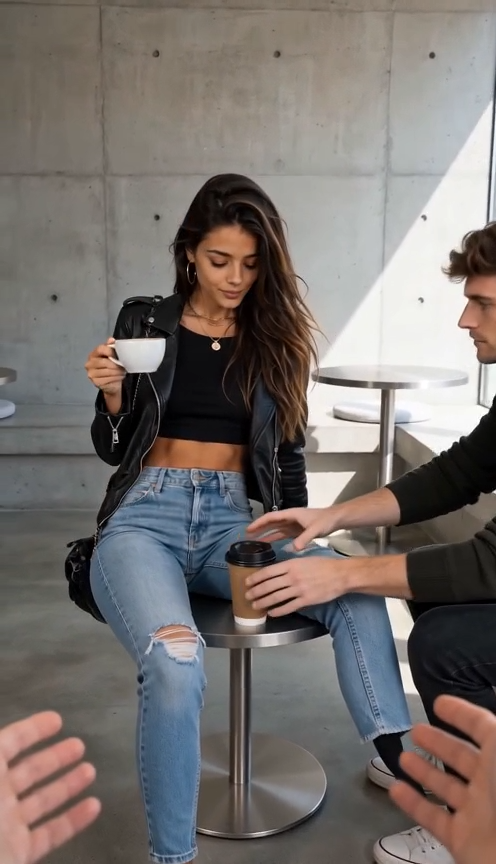
First Time in a Fancy Cafe
Sit on the table, thinking it's a stool — starring you or your pet.
Make yours →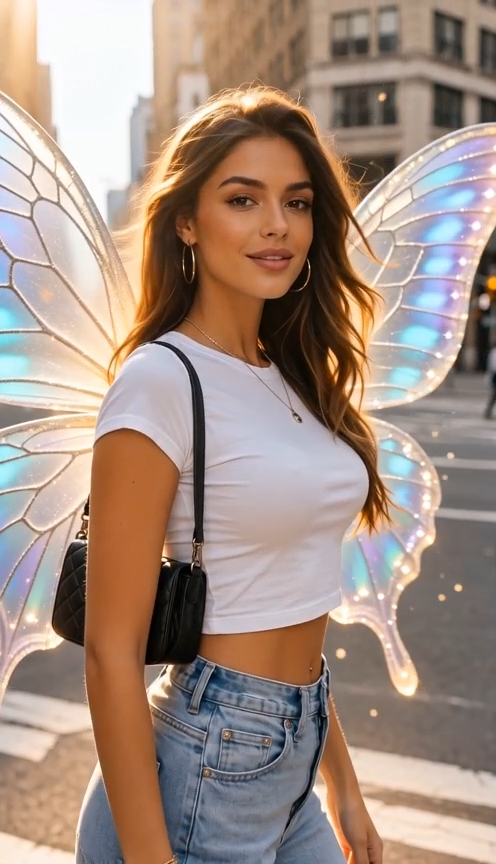
I Want Wings
A dreamy glow-up as butterfly wings unfold behind you.
Make yours →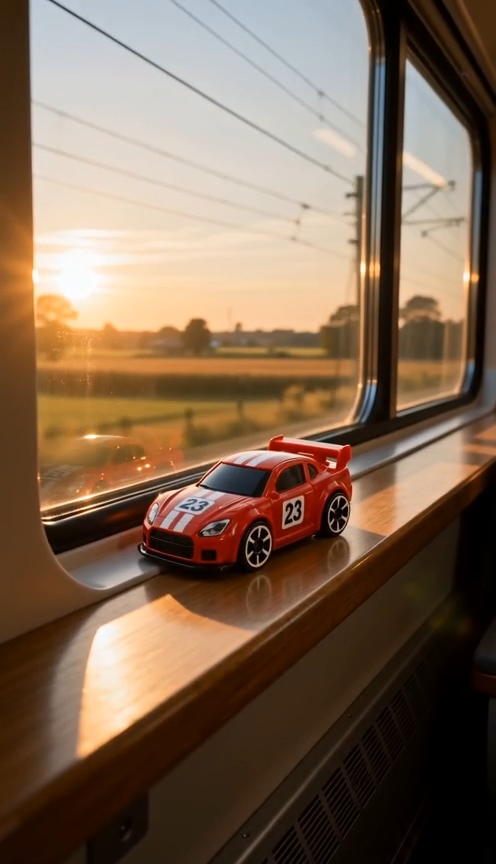
Toy Car to Real Car
A tiny toy on a train window becomes your real car.
Make yours →