
AI Video Upscaler
Upload a video and upscale it to 1080p, 2K or 4K — natural upscaling for clean footage, or AI enhancement to restore detail.
Billed per second × resolution × output frame rate. Default 1080p at ≤30fps is about 0.6 credits/s (5s = 3 credits). 60fps costs 2×, 120fps 4×. Target resolution cannot be lower than the source.
Upload a video and click Upscale to get started
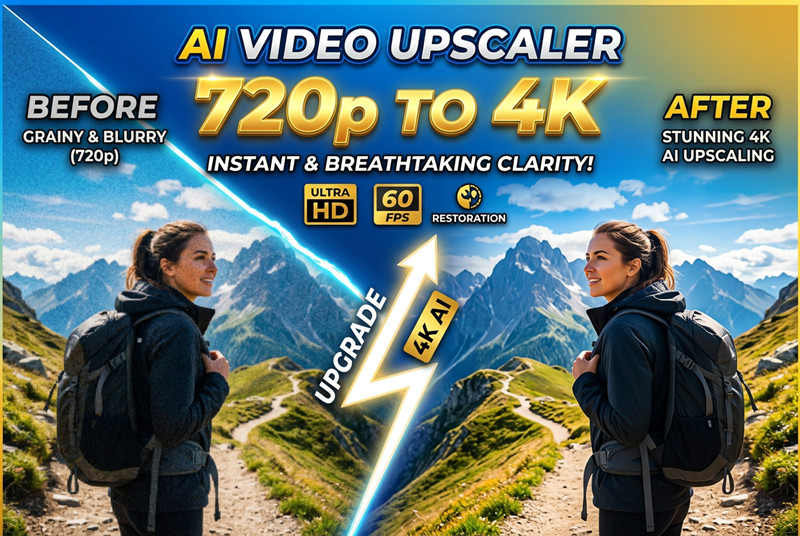
What Is AI Video Upscaling and Why Does It Matter?
AI video upscaling uses deep learning to raise resolution while reconstructing detail that simple stretch methods cannot. On SeeVid you can use Topaz Video Upscale for fast 1x/2x/4x enhancement, or ByteDance Video Upscaler to target 1080p–4K, boost frame rate up to 120fps, and apply scene-aware presets. Output is delivered as MP4 — ideal for sharpening SeeVid clips, UGC, and archival footage without a reshoot.
Intelligent Detail Reconstruction
AI models trained on millions of video frames learn to predict and synthesize fine textures — skin pores, fabric weaves, hair strands — that traditional scaling algorithms simply blur over. The result is AI-upscaled video that looks naturally sharp, not artificially enhanced.
Temporal Consistency Across Frames
Unlike image upscaling applied frame-by-frame, video super resolution models process multiple adjacent frames simultaneously, ensuring flicker-free, temporally stable output. This eliminates the shimmering artifacts common in naive per-frame approaches.
Noise Reduction Built In
Low-resolution source footage often carries compression artifacts, sensor noise, and banding. AI Video Upscalers are trained to distinguish between meaningful detail and noise — suppressing artifacts while preserving and even enhancing genuine texture.
Multi-Scale Enhancement
Modern AI Video Upscaler pipelines apply enhancement at multiple scales — from global contrast and color correction down to pixel-level edge sharpening — producing results that look balanced and natural at every viewing distance.
Why AI Video Upscaler Is Essential for Modern Content
From content creators to enterprise media teams, AI Video Upscaler solves the universal challenge of turning low-quality source material into high-impact visual content — quickly, affordably, and at scale.
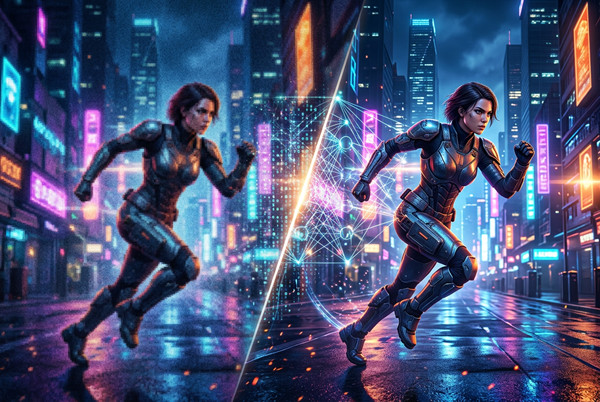
Full Feature Set of SeeVid AI Video Upscaler
Two upscale engines on SeeVid: Topaz for factor-based enhancement, and ByteDance for resolution, frame rate, and scene-aware controls.
Up to 4K Super Resolution
With ByteDance, upscale toward 1080p, 2K, or 4K. Topaz uses 1x/2x/4x factors relative to the source. Results depend on source clarity and compression.
Frame Rate Control up to 120fps
ByteDance can target 24, 30, 60, or 120fps and interpolates when the target exceeds the source. Topaz keeps the source timing while enhancing quality.
AI Noise & Artifact Reduction
Both models help clean compression artifacts and noise while preserving real detail — useful for AI-generated clips and smartphone footage.
Pro Tier for Real-People Footage
ByteDance Pro uses a higher-quality model with better skin texture and fine detail — ideal for interviews and presentations. Standard is the default for cost efficiency.
Scene-Aware Presets (ByteDance)
Pick aigc, short_series, ugc, old_film, or common so ByteDance applies a matching enhancement strategy for your content type.
Supported Formats & Limits
Upload MP4, MOV, or MKV up to 50MB. Topaz accepts longer clips (up to 5 minutes); ByteDance accepts up to 60 seconds. Output is a single MP4 file.
Frequently Asked Questions About AI Video Upscaler
Everything you need to know about how AI Video Upscaler works, what results to expect, and how to get the best outcome for your footage.
Upscale Your Video to 4K Today
Stop settling for soft, low-resolution footage. Pick Topaz or ByteDance on SeeVid and enhance your clip with credits — start above and see the difference.