
AI Rap Video Generator
Upload one photo and become the star of your own hip-hop music video — rapping to the camera on the beat with confident gestures and moody music-video lights.
Make yours
Your photo
A clear photo of one person facing the camera — head-and-shoulders or half-body works best. The video keeps your photo’s shape — use a vertical photo for TikTok, Reels or Shorts.
Want to write your own lyrics?
Try the AI Rap Video Generator: pick from five rap styles, add your own lyrics and choose 10 or 15 seconds.
What Is an AI Rap Video?
AI rap videos turn a still photo into a performance: the person in the picture raps straight to the camera like the star of a hip-hop music video. It's a popular format on TikTok and Reels because it's instantly recognizable — funny or impressive depending on who's in the photo.
This template needs only one photo. The person starts rapping with confident head nods, hand gestures and lip movement that follows the vocal, while the lighting shifts to moody music-video colors and the camera slowly pushes in. The beat and an English rap vocal are generated with the video.
You get a 10 or 15-second clip in the same shape as your photo. The lyrics and beat are different in every take, so it's worth generating a few and keeping your favorite.
Ideas to Try
- Your own rap debut to post on TikTok, Reels or Shorts.
- A friend's photo as a birthday surprise (with their permission).
- A profile video for your music, streetwear or creator account.
- A team or class photo of one person as a funny announcement.
- A historical-looking portrait or illustration for an unexpected twist.
Tips for the Best Result
- Use a photo facing the camera with the mouth clearly visible.
- Half-body shots leave room for hand gestures and look more like a music video.
- Streetwear, a city background or night lighting add to the vibe.
- Avoid photos with sunglasses, masks or hands covering the face.
- Each run has a new verse — generate again if the first one doesn't land.
Make an AI Rap Video in 3 Steps
No prompts, lyrics or editing skills needed.
Add one photo
A selfie or portrait facing the camera, with the face and hands clearly visible.
Pick the quality
Standard (480p) for a quick, low-cost take; HD (720p) for the one you want to keep or post. Full HD (1080p) for the sharpest result.
Generate and share
Get a 10 or 15-second rap video in a few minutes, then download and share it.
Frequently Asked Questions
More templates
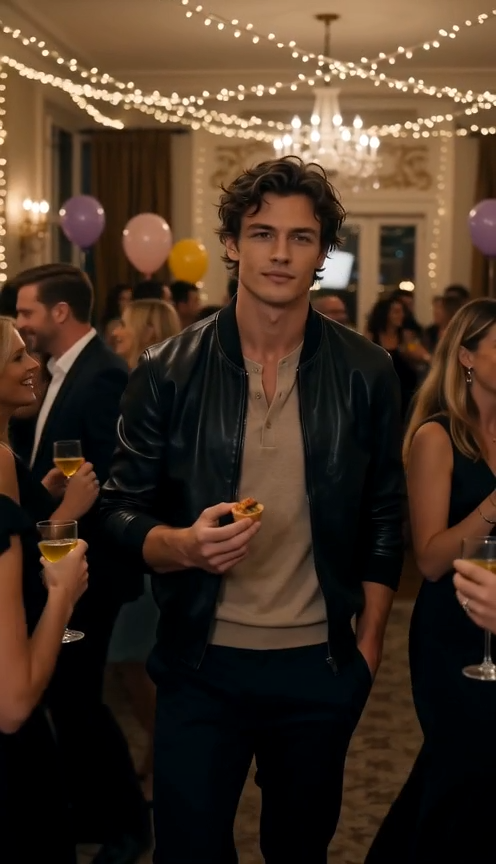
Dime Dime Baby
Turn one photo into the Dime Dime Baby party dance.
Make yours →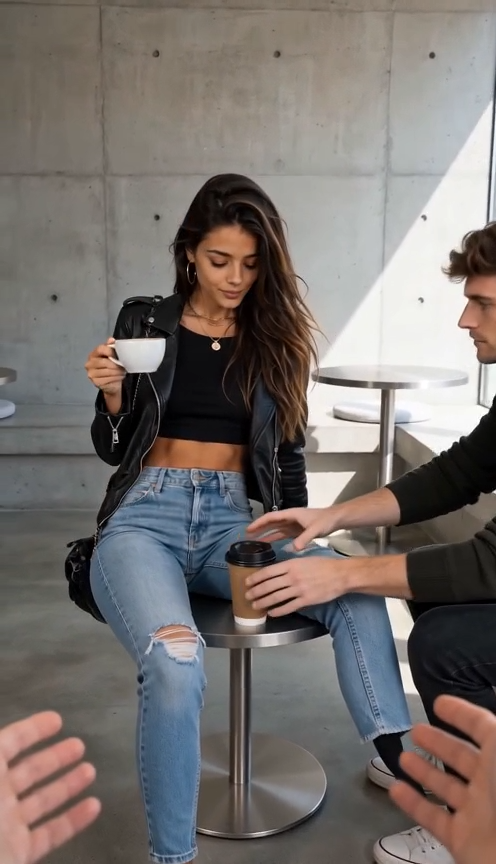
First Time in a Fancy Cafe
Sit on the table, thinking it's a stool — starring you or your pet.
Make yours →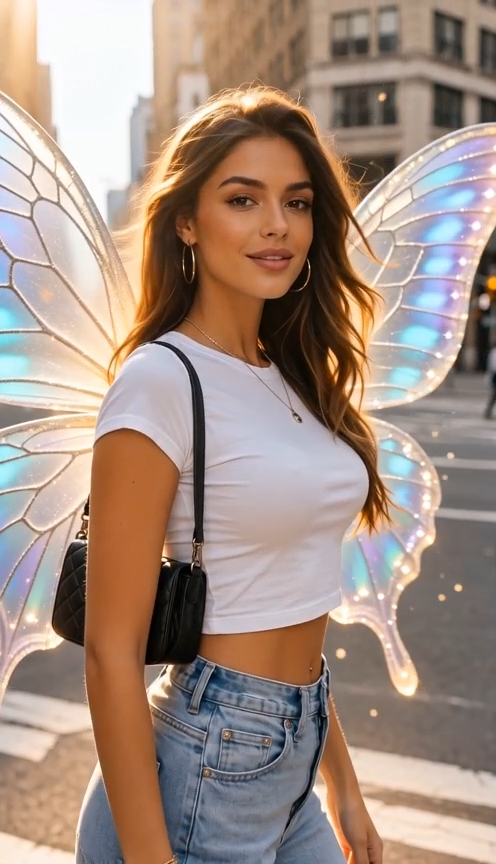
I Want Wings
A dreamy glow-up as butterfly wings unfold behind you.
Make yours →