
Hotel Lobby AI Video Generator
Make your own version of the viral Hotel Lobby trend from just two photos. Seedance 2.0 puts both performers in the orange studio booth, trading verses side by side — no video clip needed.
Make yours
Left performer
One person (or pet) per photo, clear and front-facing.
Right performer
One person (or pet) per photo, clear and front-facing.
What Is the Hotel Lobby AI Trend?
The Hotel Lobby trend recreates a two-person rap performance in a warm orange studio booth: two performers stand side by side, trading verses to the beat with confident gestures and head nods. In fall 2026 it spread as an AI video trend, with people dropping in friends, couples, coworkers, pets and even cartoon characters.
This template makes your own version from just two photos. You don't need the original clip, a green screen or any editing app — Seedance 2.0 builds the whole scene, places each person in their spot, animates the performance and generates the music and vocals in the same pass.
The result is a 10 or 15-second vertical video (9:16) with sound, sized for TikTok, Instagram Reels and YouTube Shorts. Each run is a new take, so you can generate a few versions and keep the one with the best energy.
Ideas to Try
- You and your best friend as a rap duo for a birthday or anniversary post.
- A couple's version to share on your relationship anniversary.
- Two coworkers or teammates for a fun team announcement.
- Your pets as the performers — dogs and cats with clear faces work surprisingly well.
- Two characters from your own art or brand mascots for a playful promo.
Tips for the Best Result
- Use front-facing photos where each face is clear, well lit and not too small.
- Half-body or upper-body shots give the most natural performance.
- Avoid sunglasses, hands over the face and heavy filters.
- Put the person you want on the left in the first slot and the other in the second.
- Start with Standard (480p) to test, then generate the keeper in HD (720p).
Make a Hotel Lobby AI Video in 3 Steps
No video clip, prompts or editing skills needed.
Add two photos
One photo for each performer, left and right — friends, pets or characters. Clear, front-facing shots work best.
Pick the quality
Standard (480p) for a quick, low-cost take; HD (720p) for the one you want to post. Full HD (1080p) for the sharpest result.
Generate and share
Get a 10 or 15-second vertical video in a few minutes, then download it and post.
Frequently Asked Questions
More templates
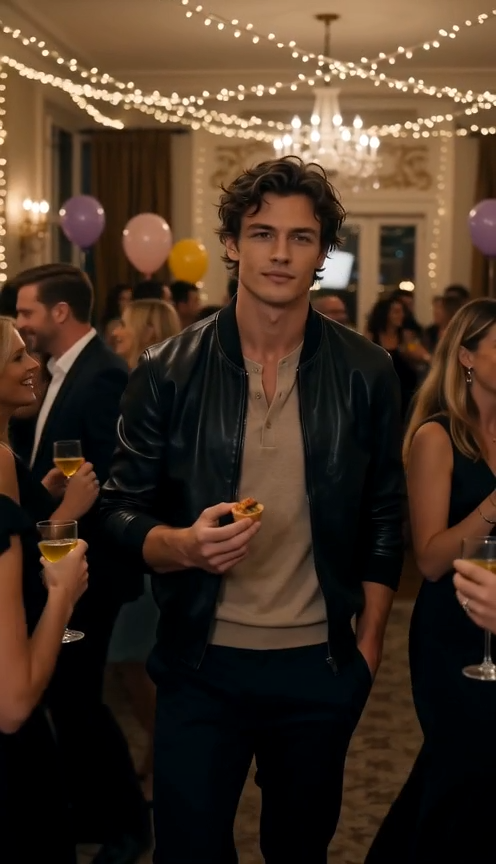
Dime Dime Baby
Turn one photo into the Dime Dime Baby party dance.
Make yours →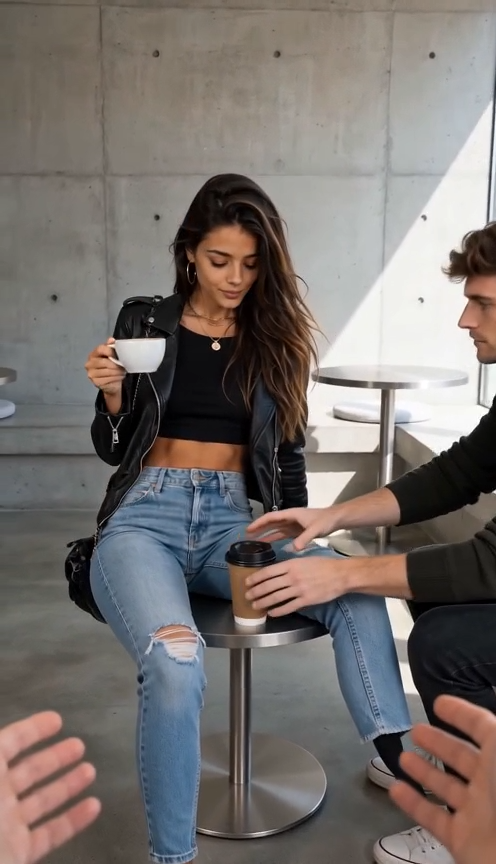
First Time in a Fancy Cafe
Sit on the table, thinking it's a stool — starring you or your pet.
Make yours →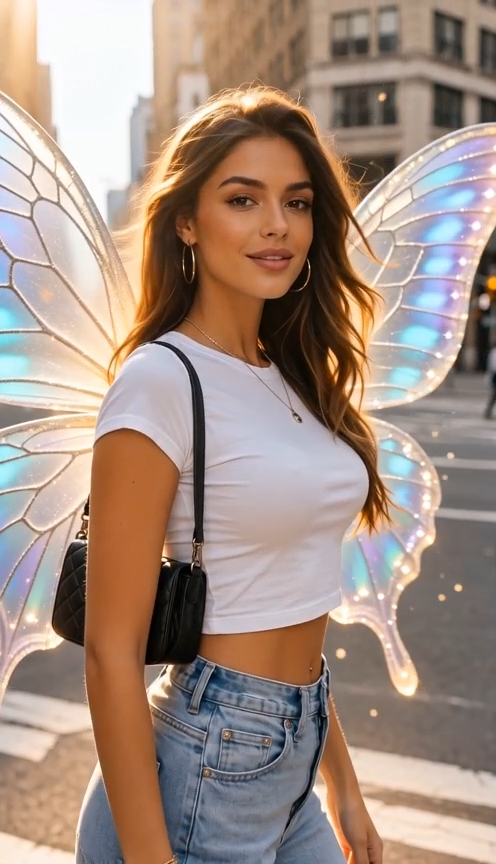
I Want Wings
A dreamy glow-up as butterfly wings unfold behind you.
Make yours →